Expand Image with AI —
Free, No Sign-Up Preview
Upload one photo and uncrop it to fit TikTok, Instagram, YouTube, or X — no cropping, no re-shoot, no account required to try it. Sign in only when you want the unwatermarked, full-resolution download.
or drop a photo here
JPG, PNG, WEBP · up to 10 MB
Built for TikTok, Instagram, YouTube & X
Four real platform frame sizes, injected straight into the tool — no guessing pixel dimensions.
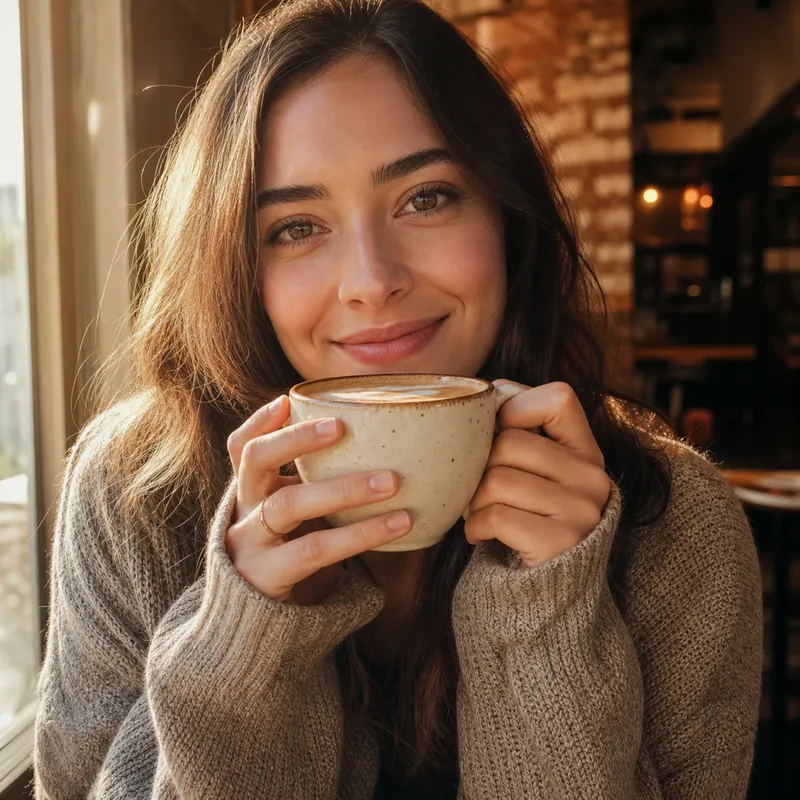
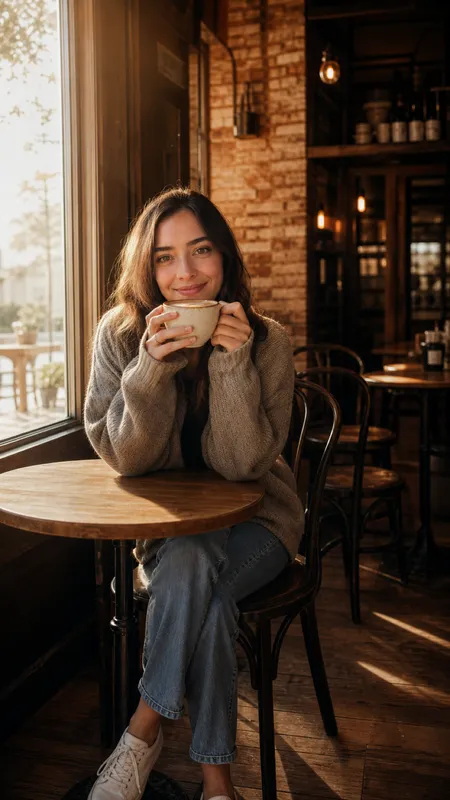
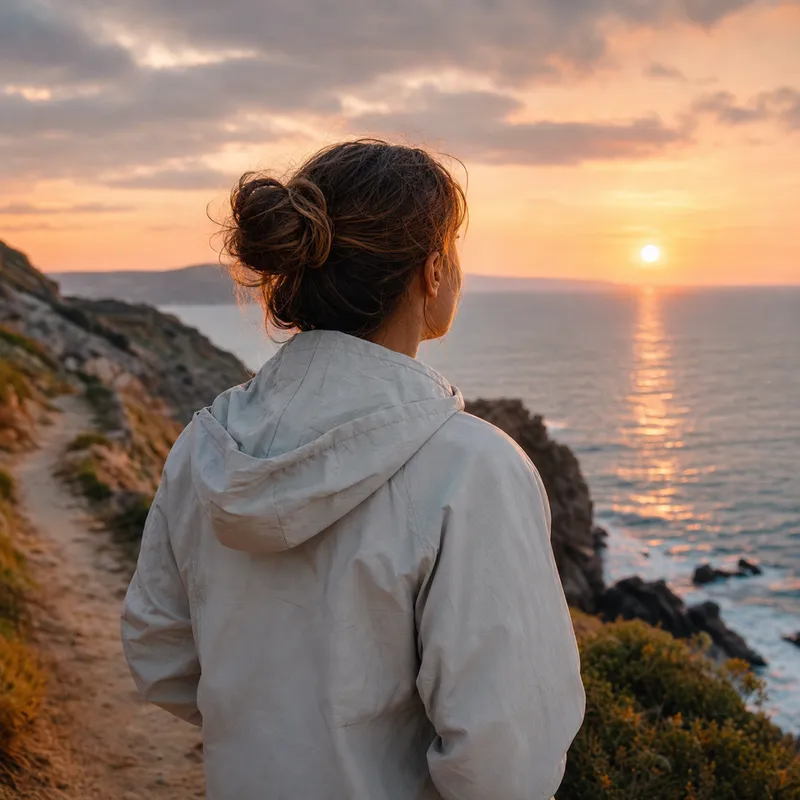
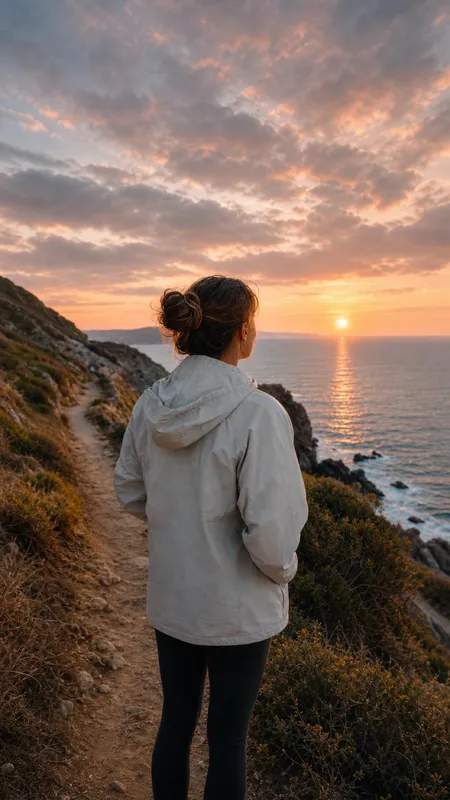
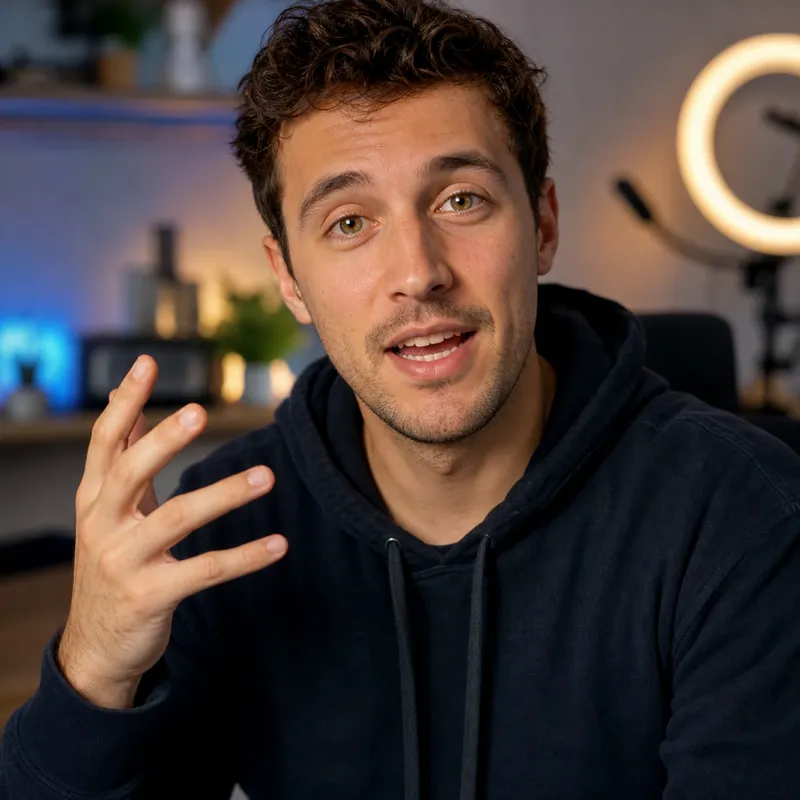
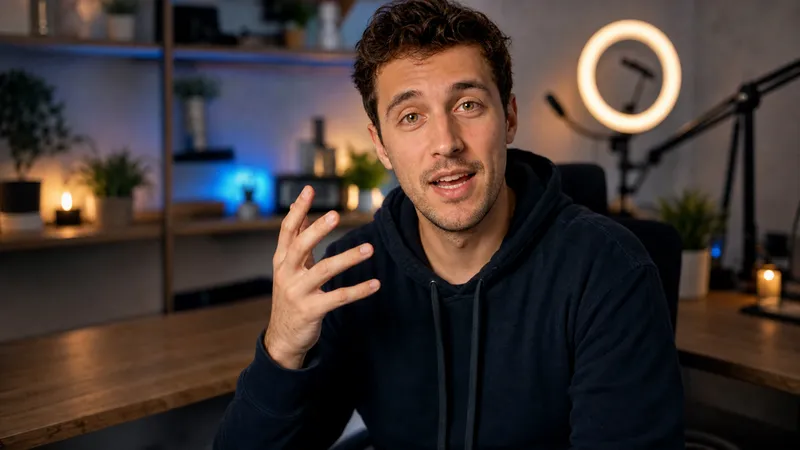

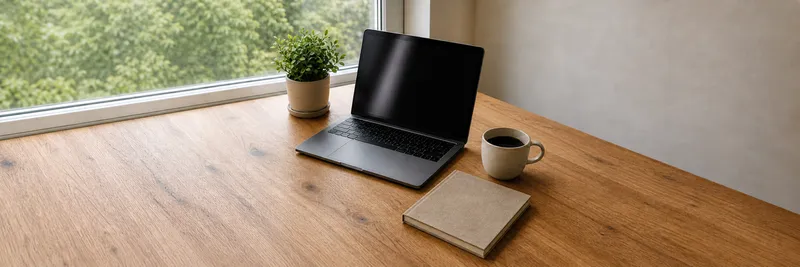
How to expand image with AI
No design software, no manual clone-stamping. Three steps take a tightly-cropped photo to a platform-ready frame.
- 1Upload a photo
Add a JPG, PNG, or WEBP photo, or try one of the sample photos in the tool.
- 2Pick a preset
Open the summary chip and choose a platform (TikTok, Instagram, YouTube, X) or a plain aspect ratio.
- 3Expand and download
Generate for free as a guest, or sign in for an unwatermarked, full-resolution download.
AI Expand Image features
Built for creators who need one photo to fit several social frames, not a general-purpose photo editor.
No sign-up to start
Upload and preview for free — an account is only needed for the unwatermarked download.
Zero-config start
The tool defaults to a 16:9 canvas — no forced setup before you can expand a photo.
One summary chip
Aspect ratio, platform, and output size collapse into a single chip; open it once to change any of them.
Real platform ratios
TikTok 9:16, Instagram Story 9:16, YouTube 16:9, X's closest built-in banner ratio — the crop target is built in, not guessed.
Automatic refunds
If the provider rejects or fails a job, the credit is returned automatically — you don't lose it.
Multiple photos at once
Signed-in accounts can expand up to 5 photos at once and download every result in one click.
Expand images for the platform you post on
Browse all platforms →Every platform wants a ratio your phone photo probably wasn't shot in. Expand once per platform instead of re-shooting.
Expand Images for TikTok Covers
Creator with a square or landscape photo who needs TikTok's vertical 9:16 cover frame.
/use/instagram-storyExpand Images for Instagram Stories
Instagram user with a square or landscape photo who needs the full-screen 9:16 Story frame.
/use/youtube-thumbnailExpand Images for YouTube Thumbnails
Creator with a tightly-cropped portrait photo who needs YouTube's wide 16:9 thumbnail canvas.
/use/x-headerExpand Images for X Headers
X user with a square or landscape photo who needs a wide profile-header banner.
Frequently asked questions
What is an ai expand image tool?
An ai expand image tool adds new image content beyond a photo's original edges so it fits a different frame — wider, taller, or square — without cropping the subject. This is also called uncropping or AI outpainting: instead of cutting pixels away, the model generates plausible new background around what is already there.
Is this ai expand image tool really free, no sign-up?
Yes. You get 2 free watermarked previews on this device before you need to sign in — no card, no account required to try your first expand. Sign up afterward for 5 free credits (a one-time signup bonus), and each finished, unwatermarked photo uses 1 credit.
How do I uncrop a photo for a specific platform?
Pick the platform preset in the tool's summary chip — TikTok Cover (9:16), Instagram Story (9:16), YouTube Thumbnail (16:9), or X Header (closest built-in match) — and the canvas locks to that platform's aspect ratio before you generate.
Uncrop ai vs. cropping — which should I use?
Cropping removes part of your photo to fit a frame, which often cuts off the subject. Uncrop AI instead extends the frame outward and generates new background to fill it, so the subject stays whole and centered.
Will expand image ai change my subject?
The goal is to leave the subject's pixels untouched and only generate the new background around it. Generative results are not guaranteed pixel-perfect — always compare faces, hands, and text near the edge before publishing.
What image formats does the expand image tool accept?
JPG, PNG, and WEBP up to 10 MB. Signed-in accounts can expand up to 5 photos in one run; the free guest preview processes one photo at a time.
Expand image free — what happens after my 2 previews?
Your two free previews are watermarked and tied to this device. After that, sign up for 5 free credits (a one-time signup bonus) — no watermark, and you can claim your existing preview at full resolution instead of starting over.
Can I use an expanded photo commercially?
Yes — expanded photos are yours to use in posts, videos, and profiles. You still need the rights to the original source photo; the AI expansion does not grant new rights to someone else's photography.